01
It runs in the house
Lights, climate, scenes, schedules, the alarm and the door intercom work on your own network. Internet is used only for what needs it: weather, internet radio, updates, notifications and reaching the house from outside.


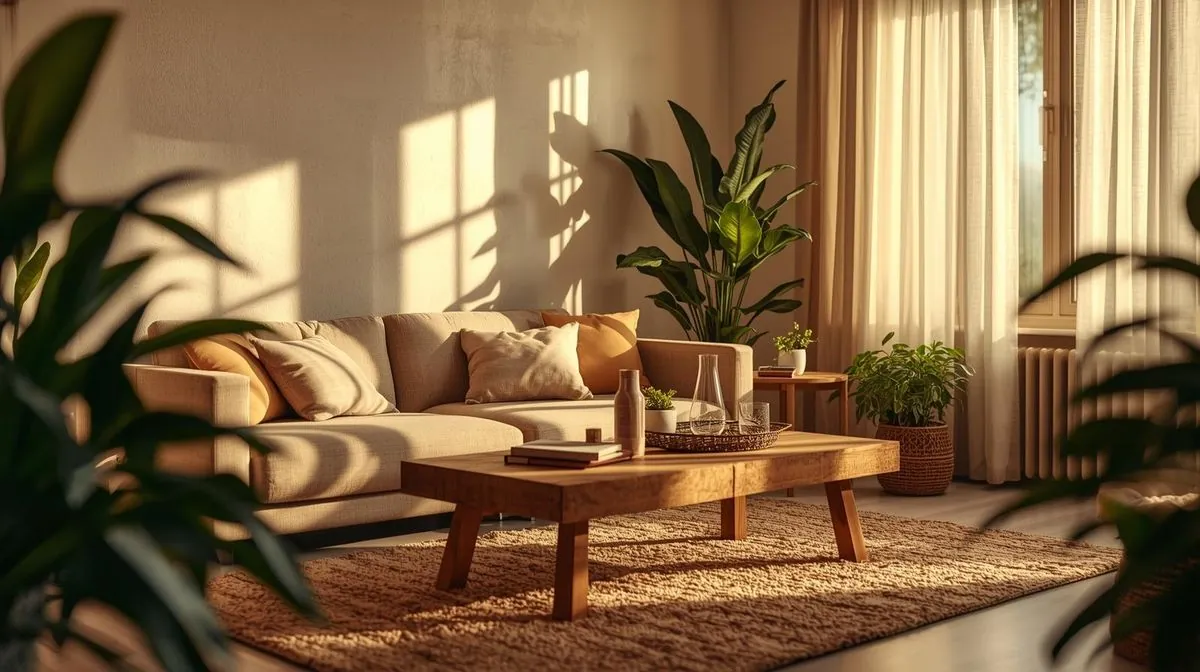
SmartApex Home Center
A wall touch panel that runs lighting, climate, curtains, music, cameras and the front door — and puts the very same interface on your phone. No cloud account. No subscription.
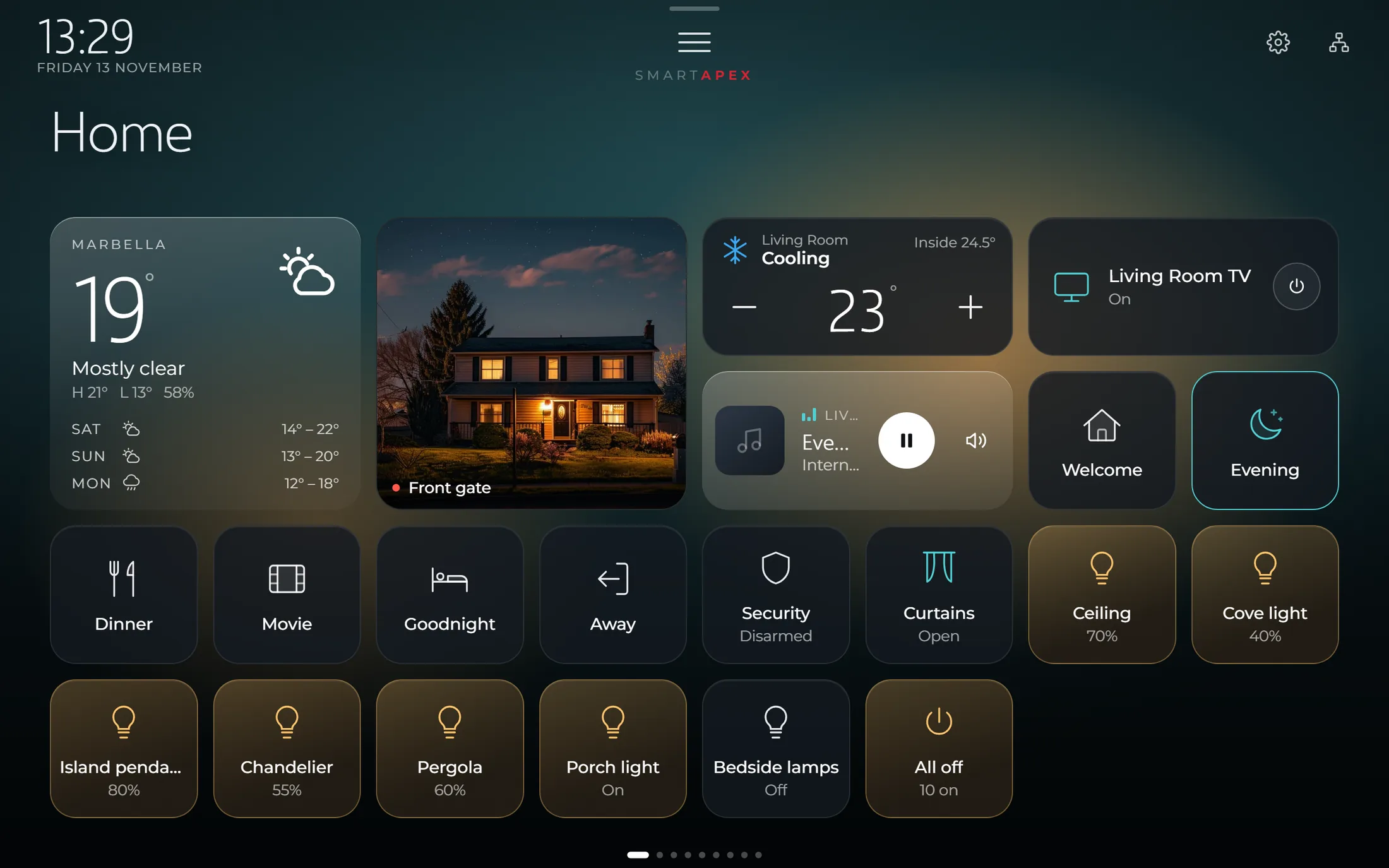
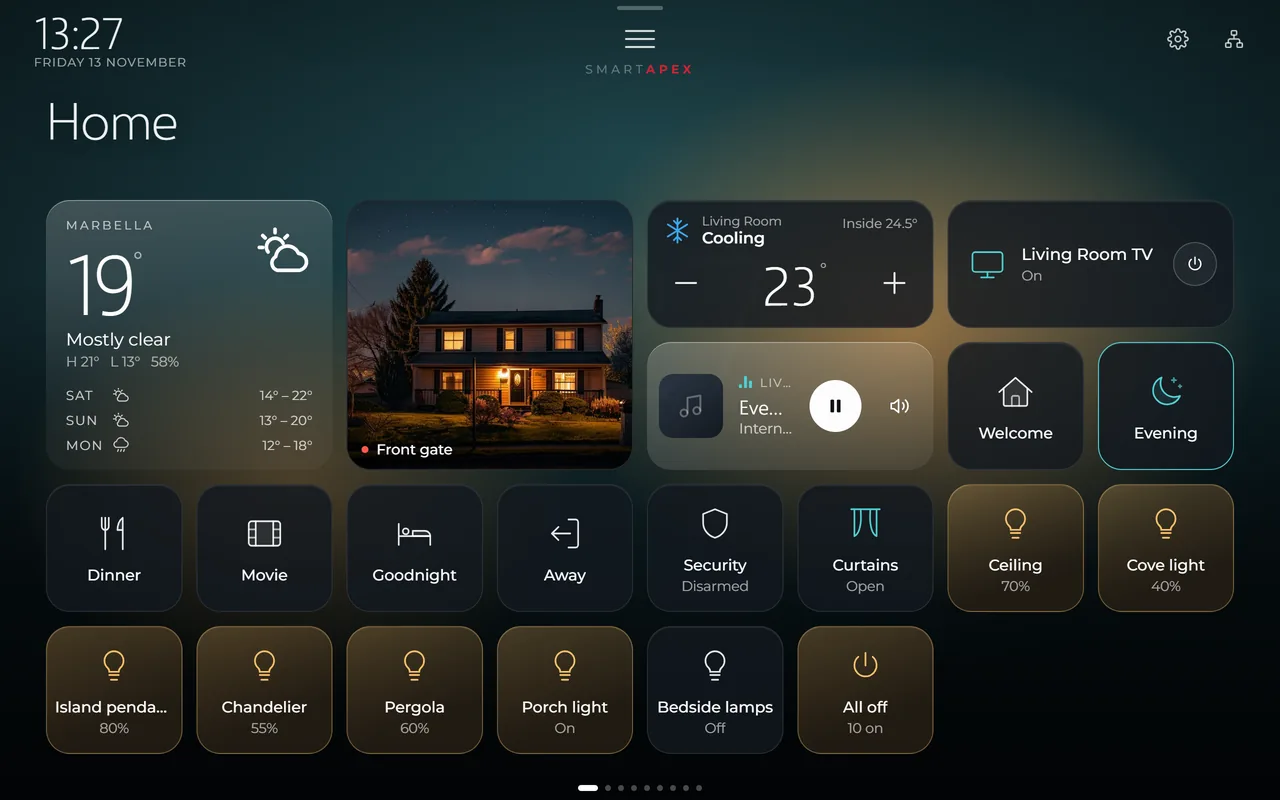
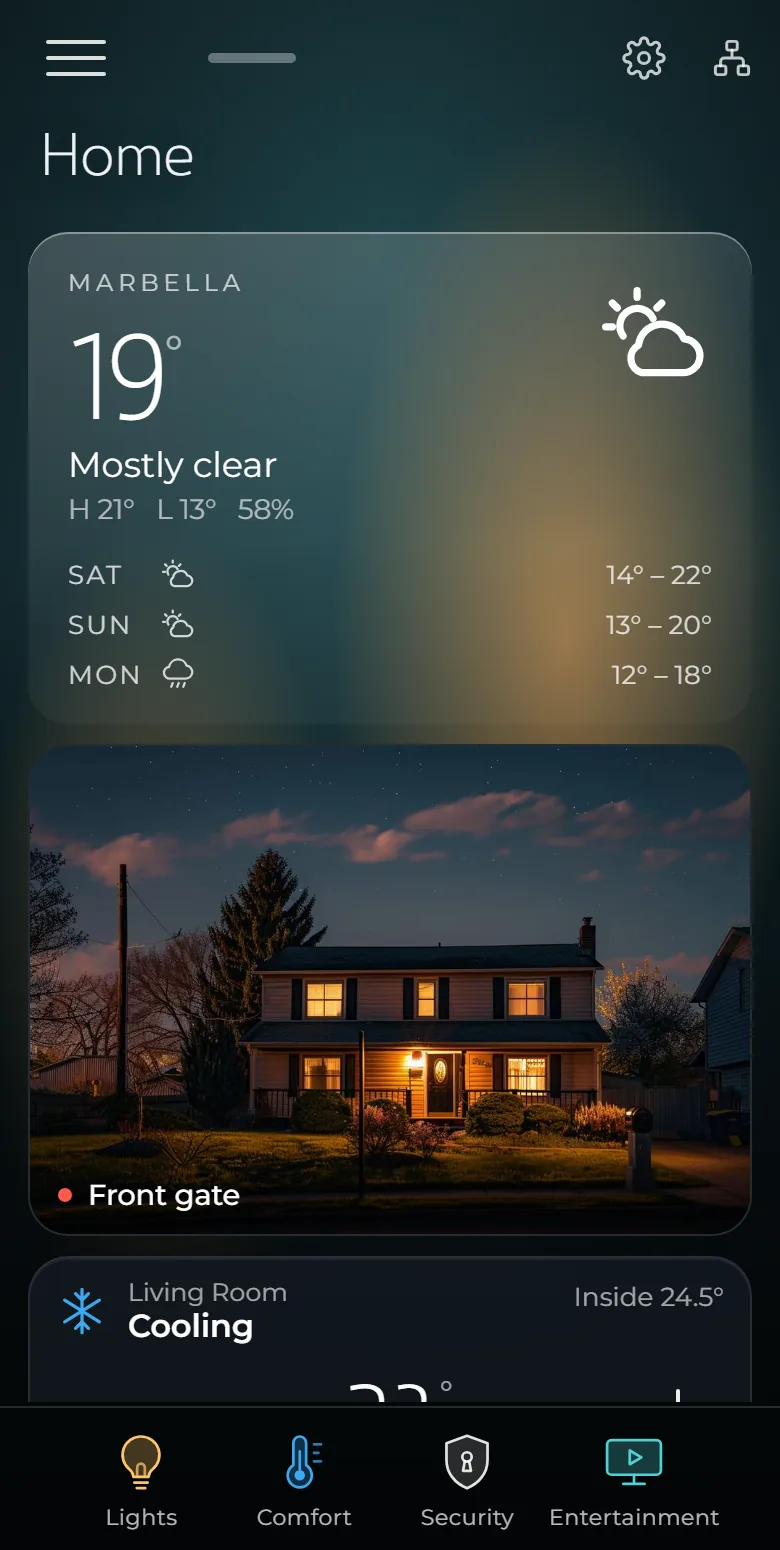
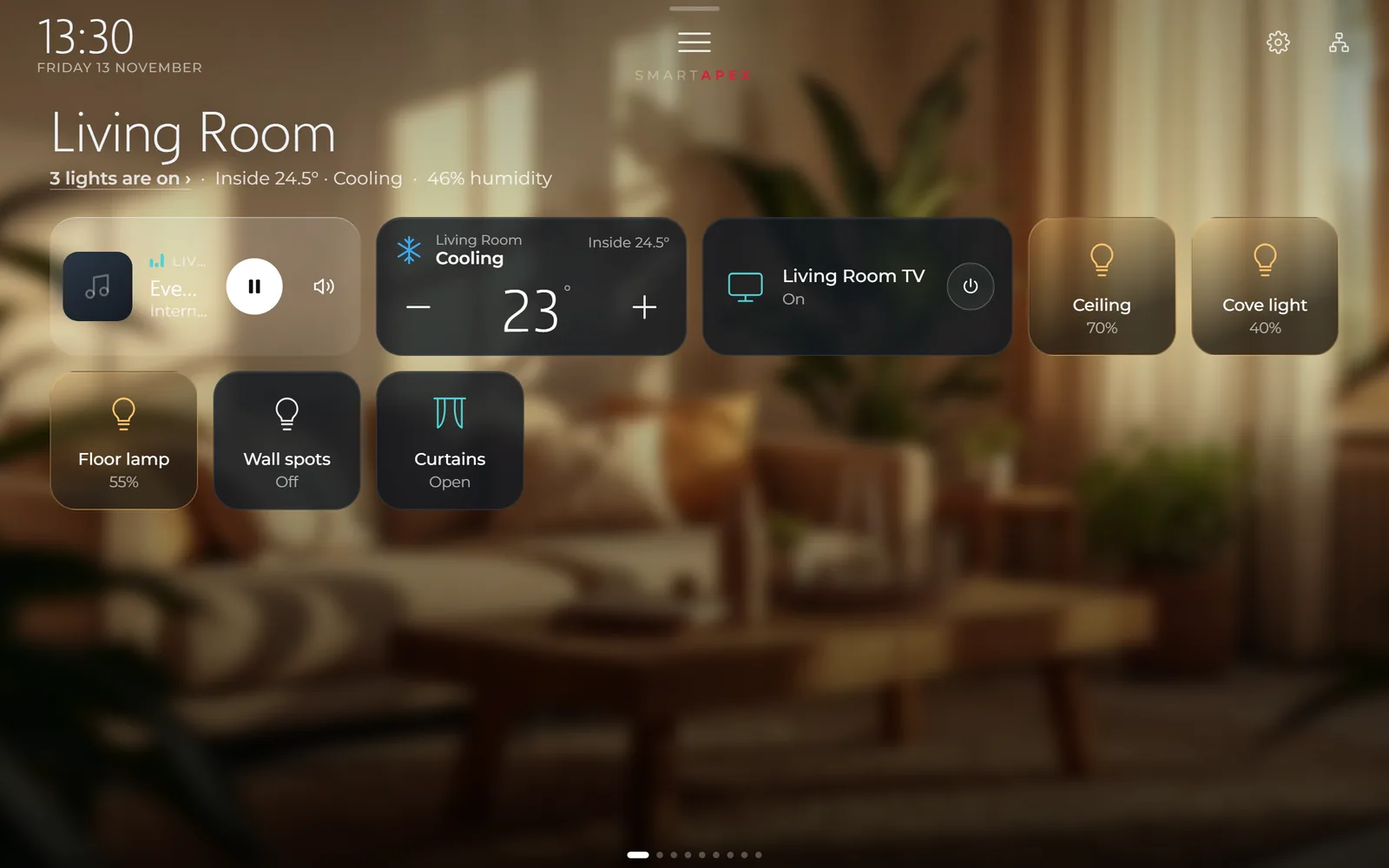
The panel’s own interface, shown with a sample house.
Live Try it yourself
A sample house is behind it: switch lights, run a scene, turn the thermostat, open the curtains. Nothing you do here reaches a real home.
01 The interface
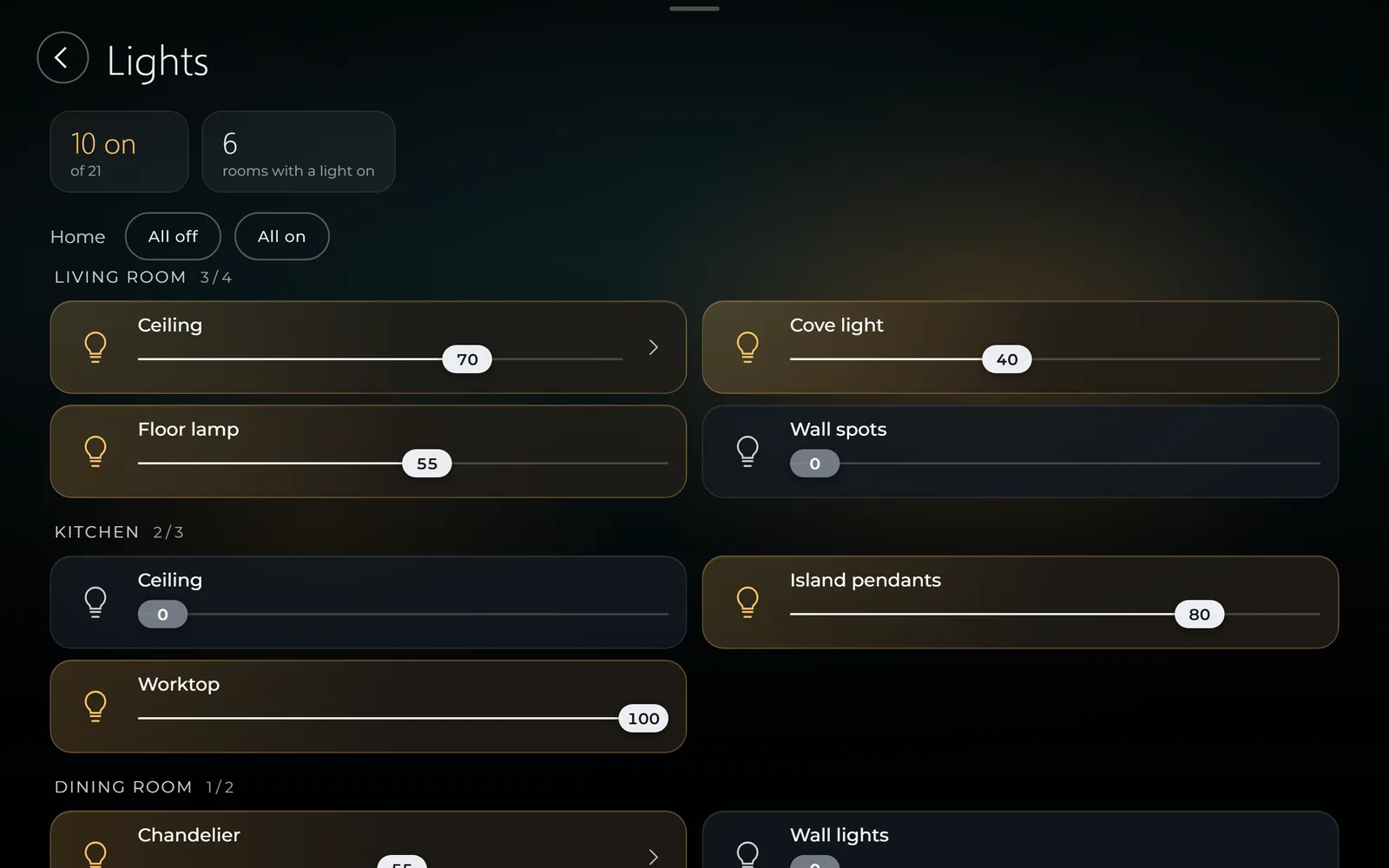
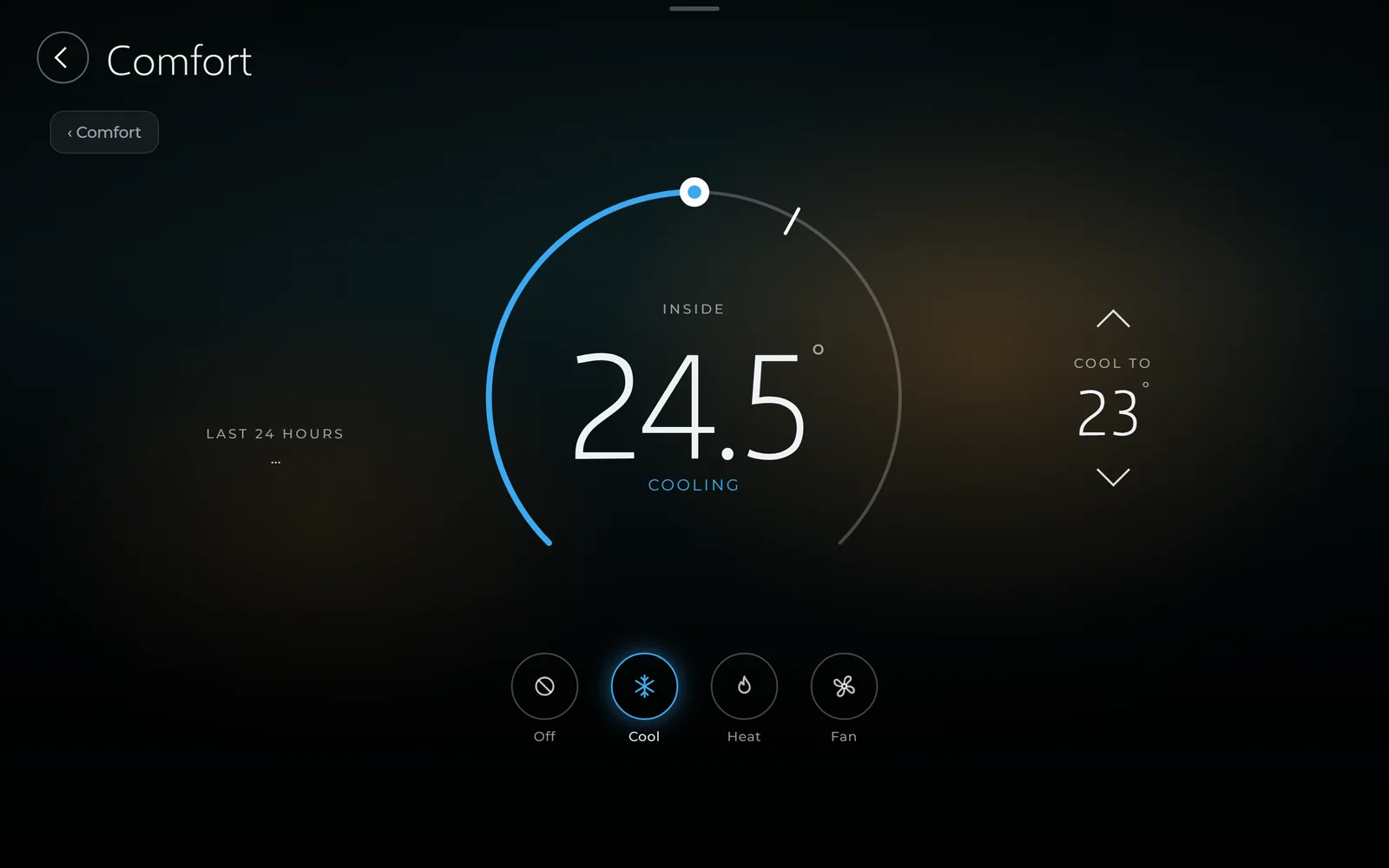
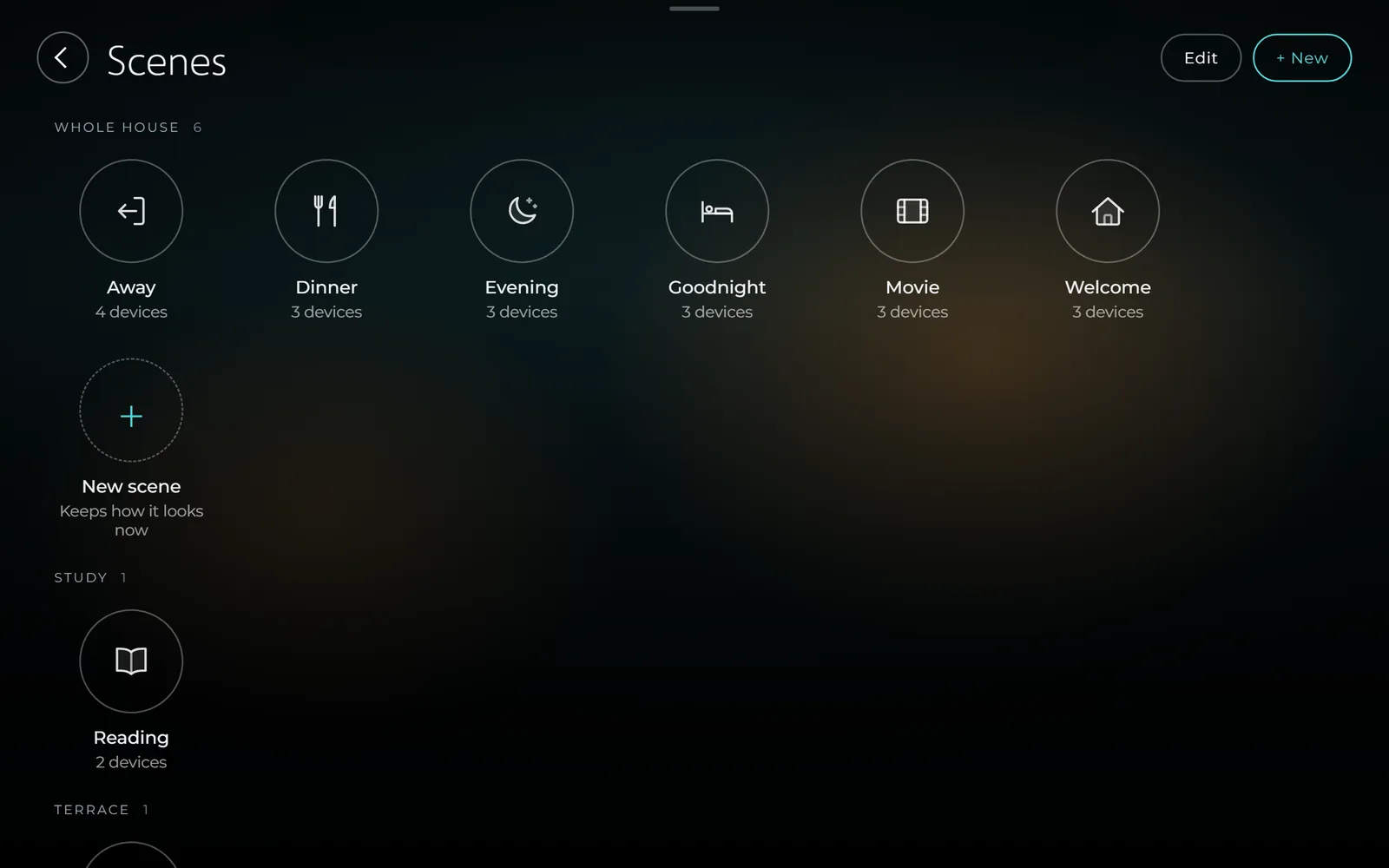
Home is a page of tiles in three sizes. You choose what is on it and in what order — each wall panel and each person’s phone keeps its own.
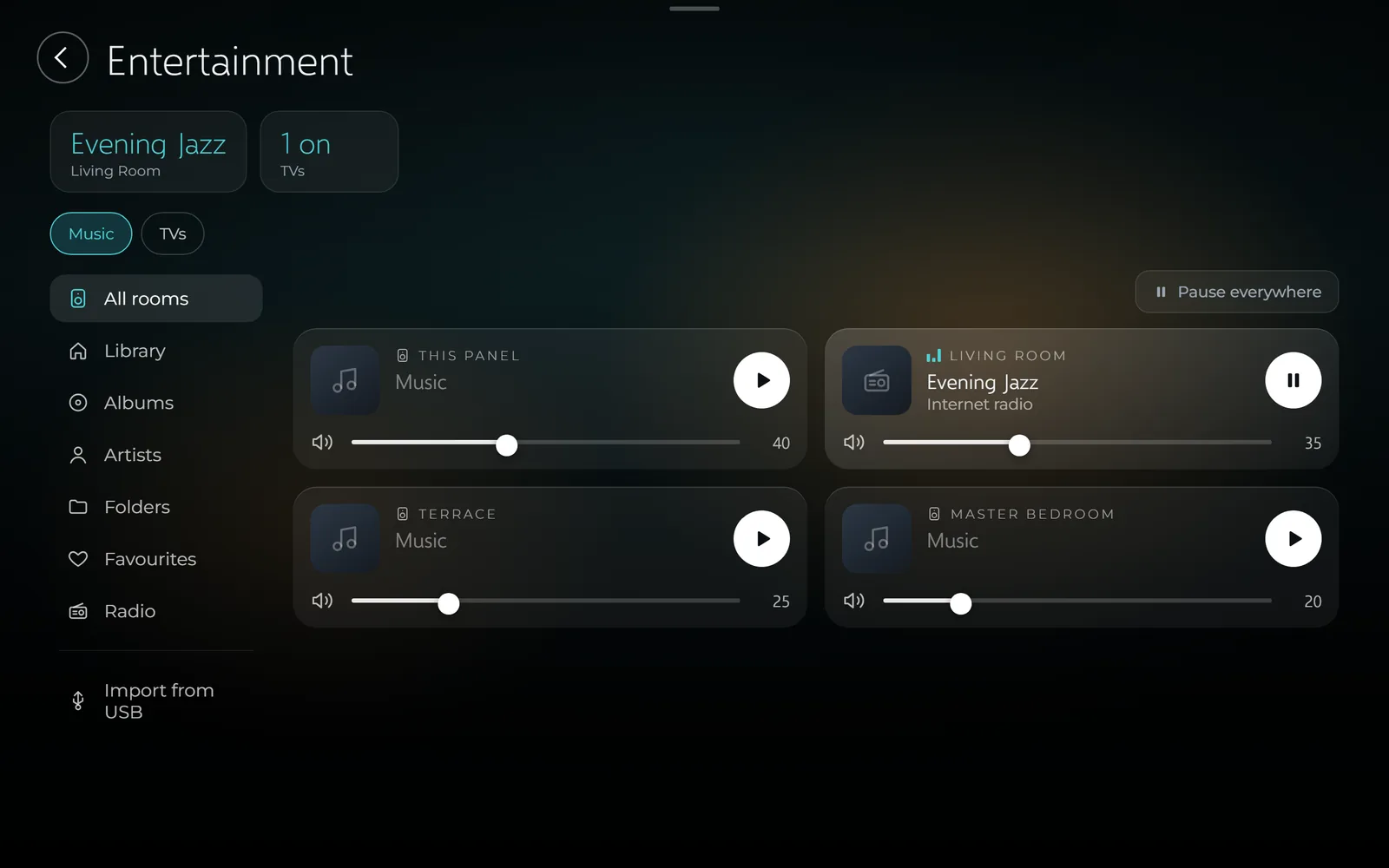
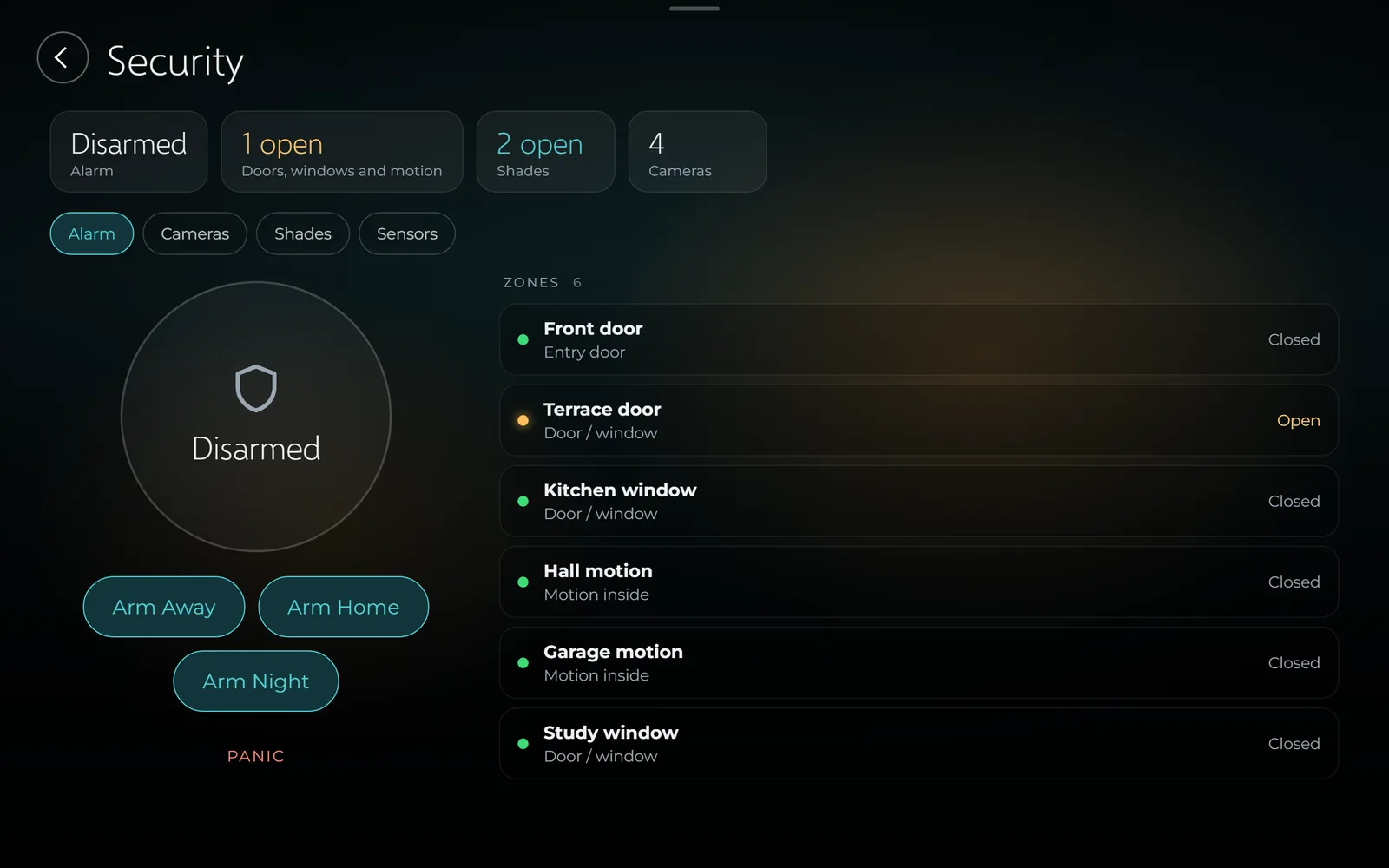
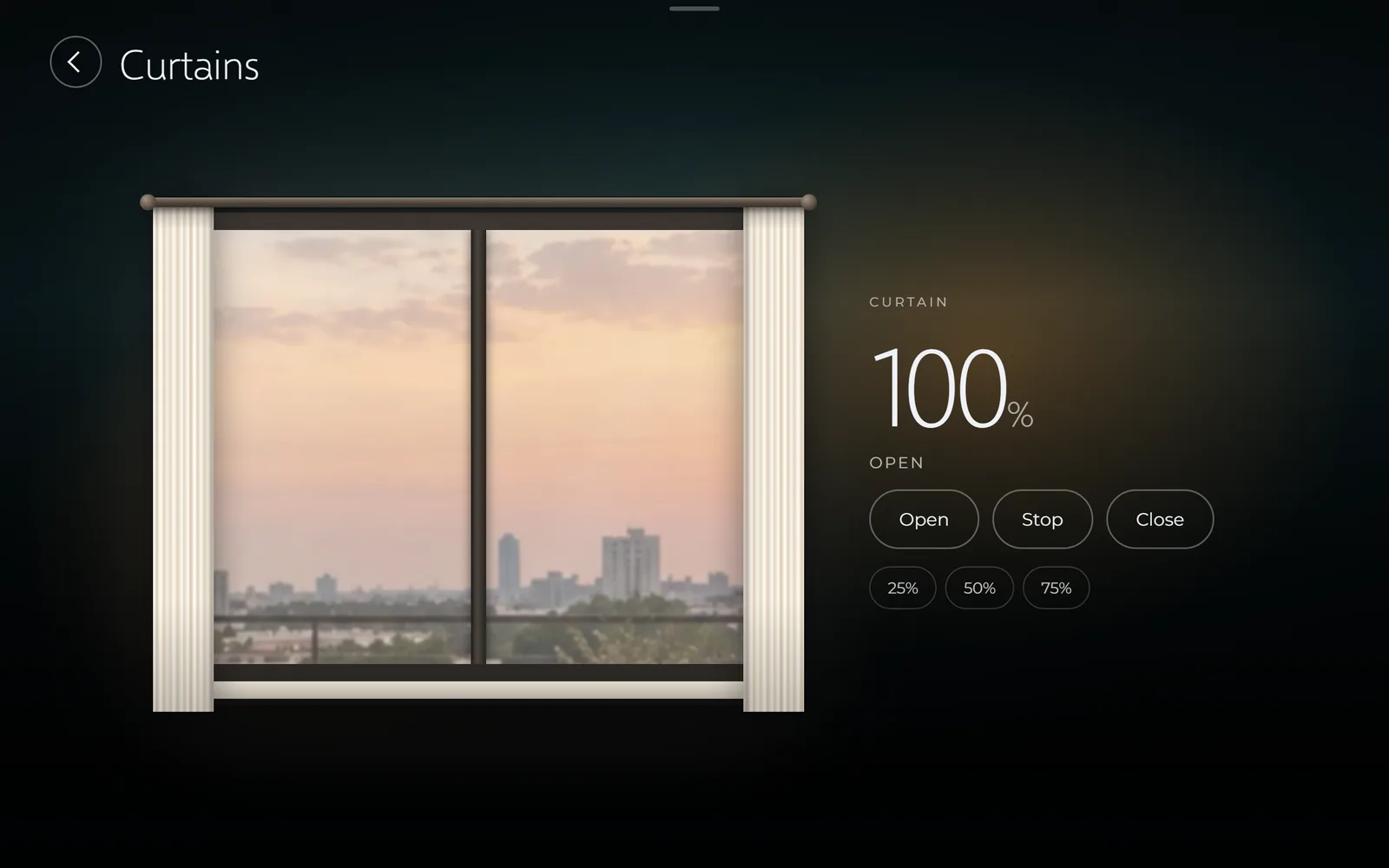
02 Scenes
Lights, curtains, climate and music move together. Try one.
Ceiling 70% · Cove light 40% · Curtains open
An illustration of a scene at work. On the panel, a scene’s tile stays lit for as long as the house is the way that scene asks.
03 The front door
A SIP door station calls the panels and the phones at the same moment. Whoever answers first talks — and can open the door from wherever they are.
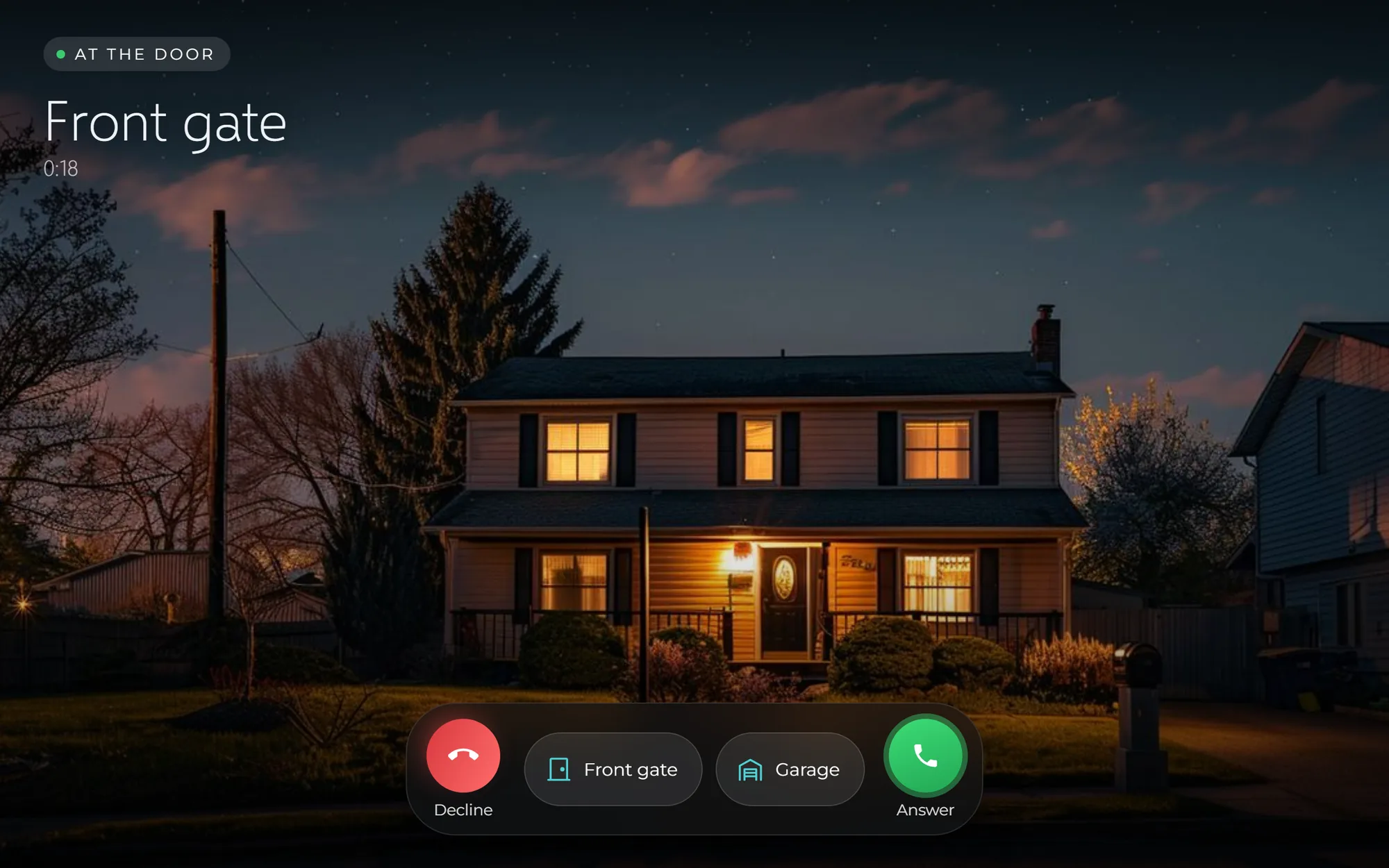
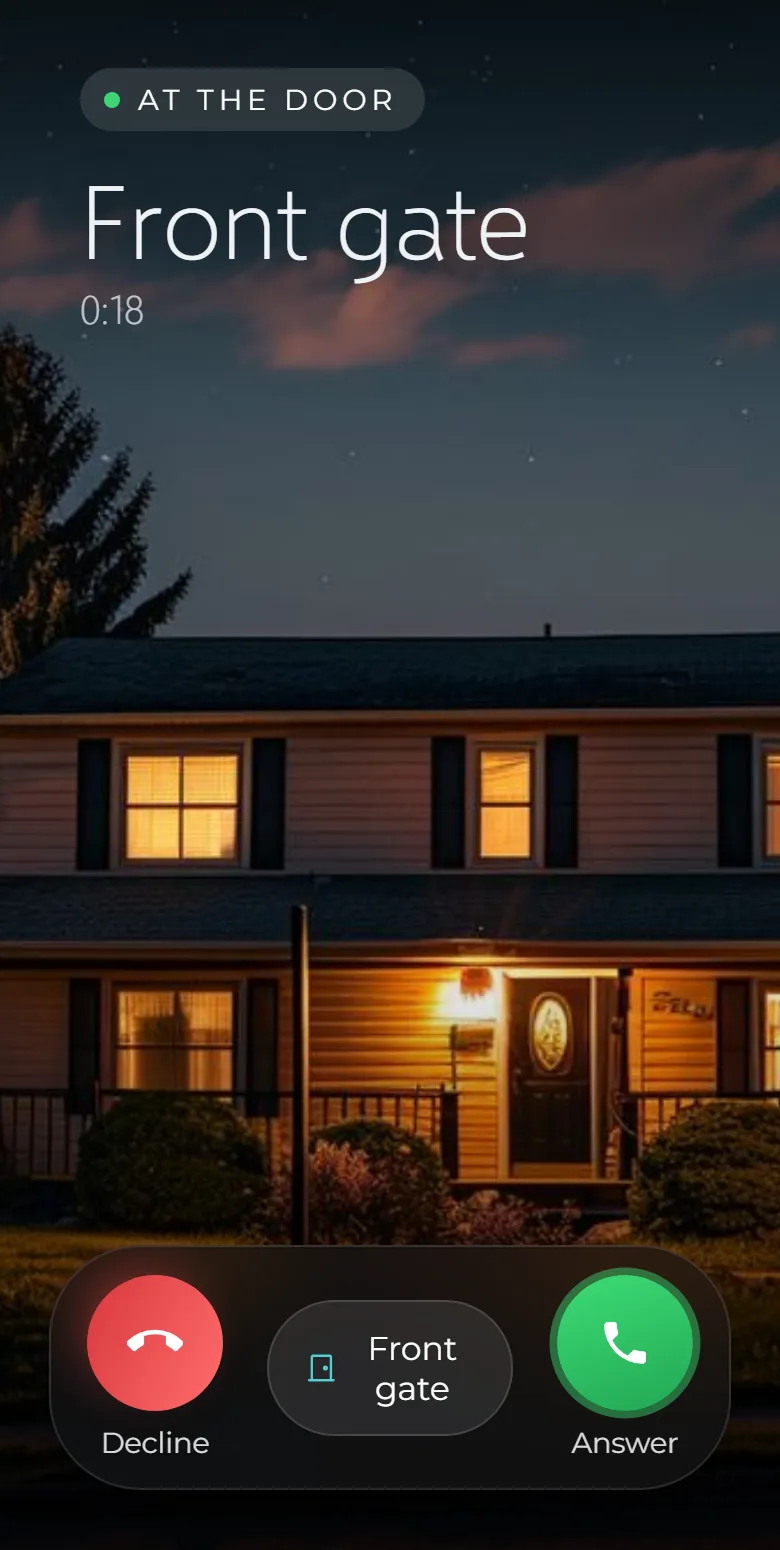
The wall panels and the family’s phones ring together, with the camera picture.
The first to answer talks. The ringing stops everywhere else at once.
Who rang, who answered and which door was opened, each with its picture.
04 On your phone
The iPhone and Android apps show the interface you already know from the wall — with your own Home, arranged your way.
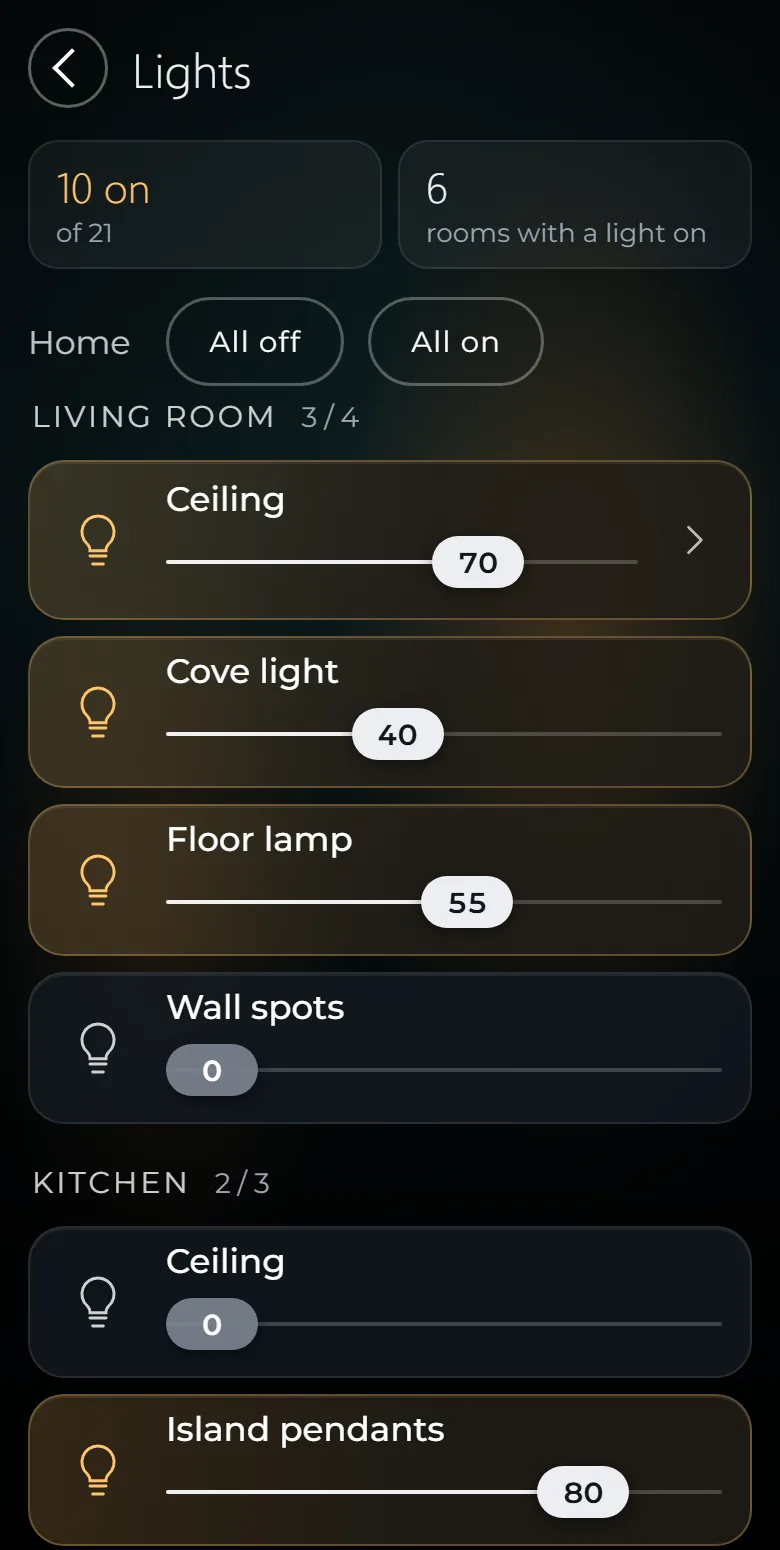
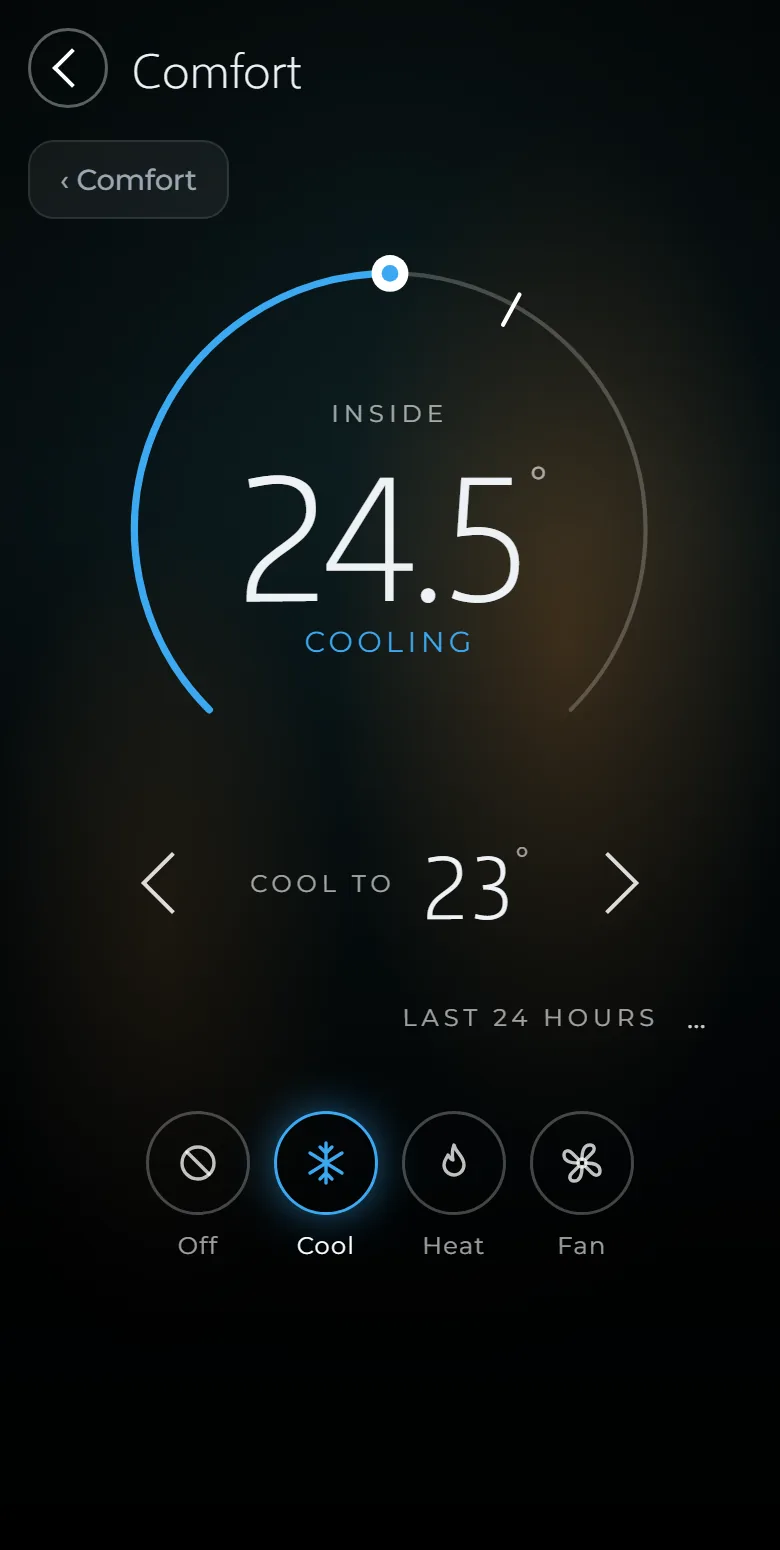
Each house gets its own private address. The connection is encrypted from your phone all the way to the panel in your house.
The relay in between only passes on data it cannot read. The key never leaves the panel, and no port is opened on your router.
05 What sets it apart
Lights, climate, scenes, schedules, the alarm and the door intercom work on your own network. Internet is used only for what needs it: weather, internet radio, updates, notifications and reaching the house from outside.
No cloud account to create and no monthly fee — including for the apps and for remote access through your house’s own encrypted address.
The door station rings the panels and the phones together. A call answered or declined on one of them ends on all of them.
A scene’s tile is lit while the house really is the way that scene asks — and goes out the moment someone changes a light by hand.
Do the same thing at about the same time on most days and the panel offers to take it over: one touch makes it an automation. The learning happens on the panel; nothing leaves the house.
SmartAPEX modules announce themselves on the network. The panel reads the rooms, floors and channel names from each module’s own project — nothing is typed twice.
06 Automation
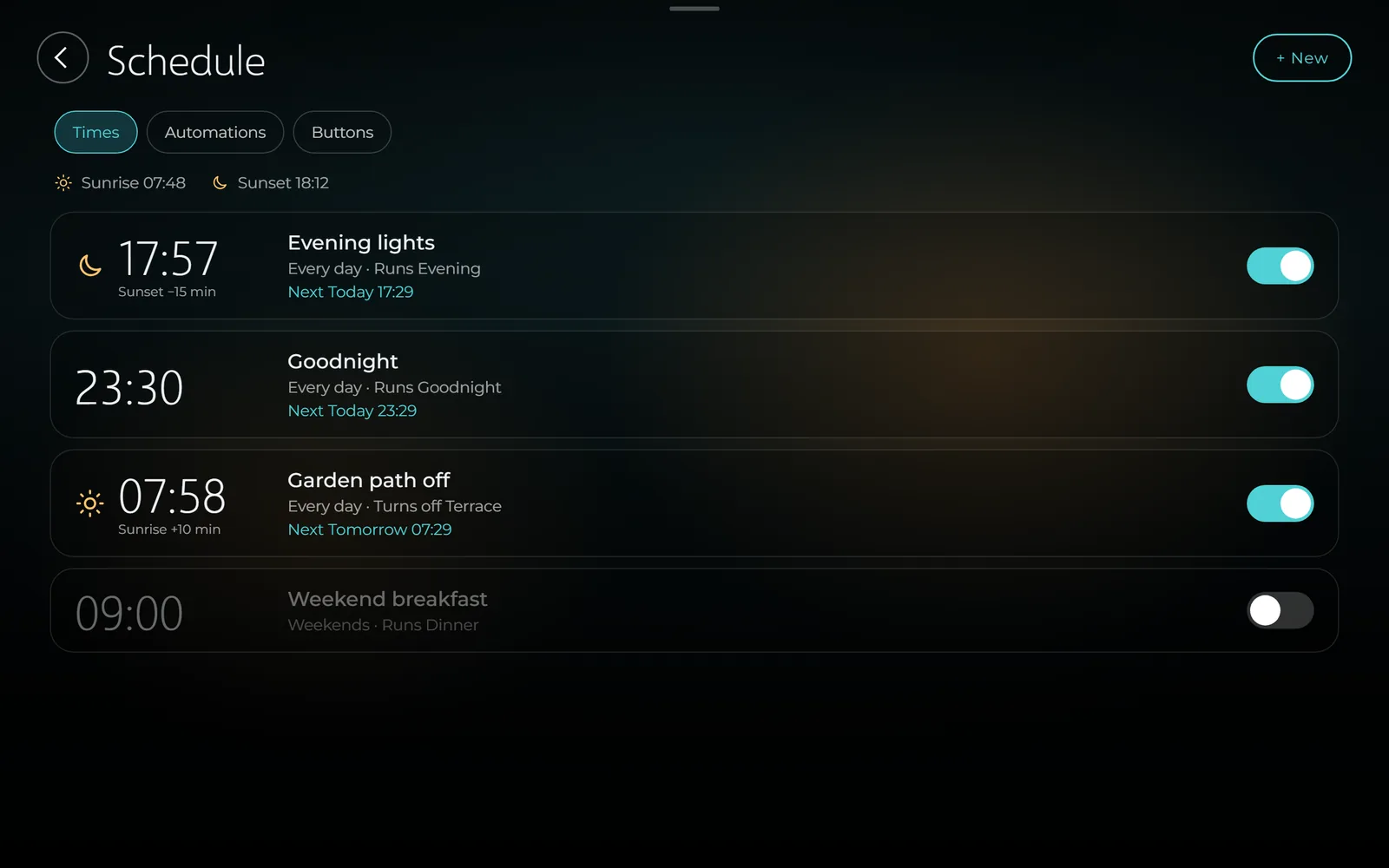
The owner sets it up on the panel, in plain words — no programming tool, no call to the installer.
At a time, at sunrise or sunset with an offset, or at a prayer time, on the days you choose.
“When, only if, then”: a door ring, a sensor, a temperature, the alarm or the house mode can start anything.
Home, Away, Night and Vacation, each changing how the house behaves.
A window left open with the air conditioning on, a water leak, a low battery: the house tells you.
07 For installers
The panel finds your SmartAPEX modules and brings in the project you already made in them.
Modules are found on the network, and followed if the router gives one a new address.
An install code until hand-over, then timed service codes for 1, 7 or 30 days — opened only when the owner taps Allow.
Every update is signature-checked, installed only when someone chooses to, and can be rolled back.
A three-layer watchdog restarts whatever stops, and a backup is made every night.
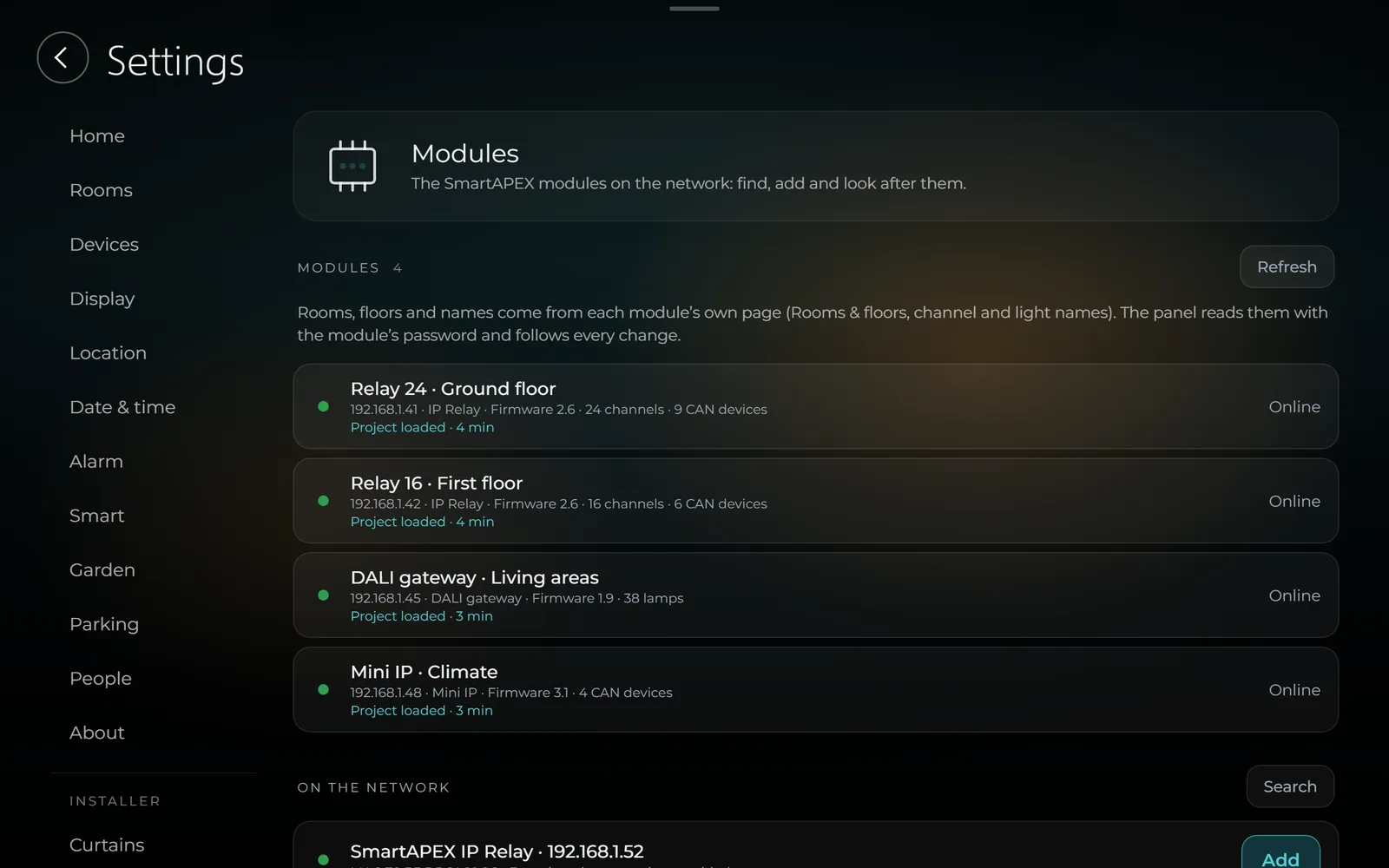
The Home Center carries its own Z-Wave radio — no USB stick, no second gateway. Wired SmartAPEX modules and wireless Z-Wave devices live in one house, on one screen, in the same scenes and automations.
08 Outside
The installer switches these on for the homes that have them. After that they simply run.
Each zone gets back what the garden really lost to sun and wind — and nothing at all when rain is on the way.
The family’s cars drive straight in. A guest’s plate works only for the hours you choose — and any screen can open the gate.
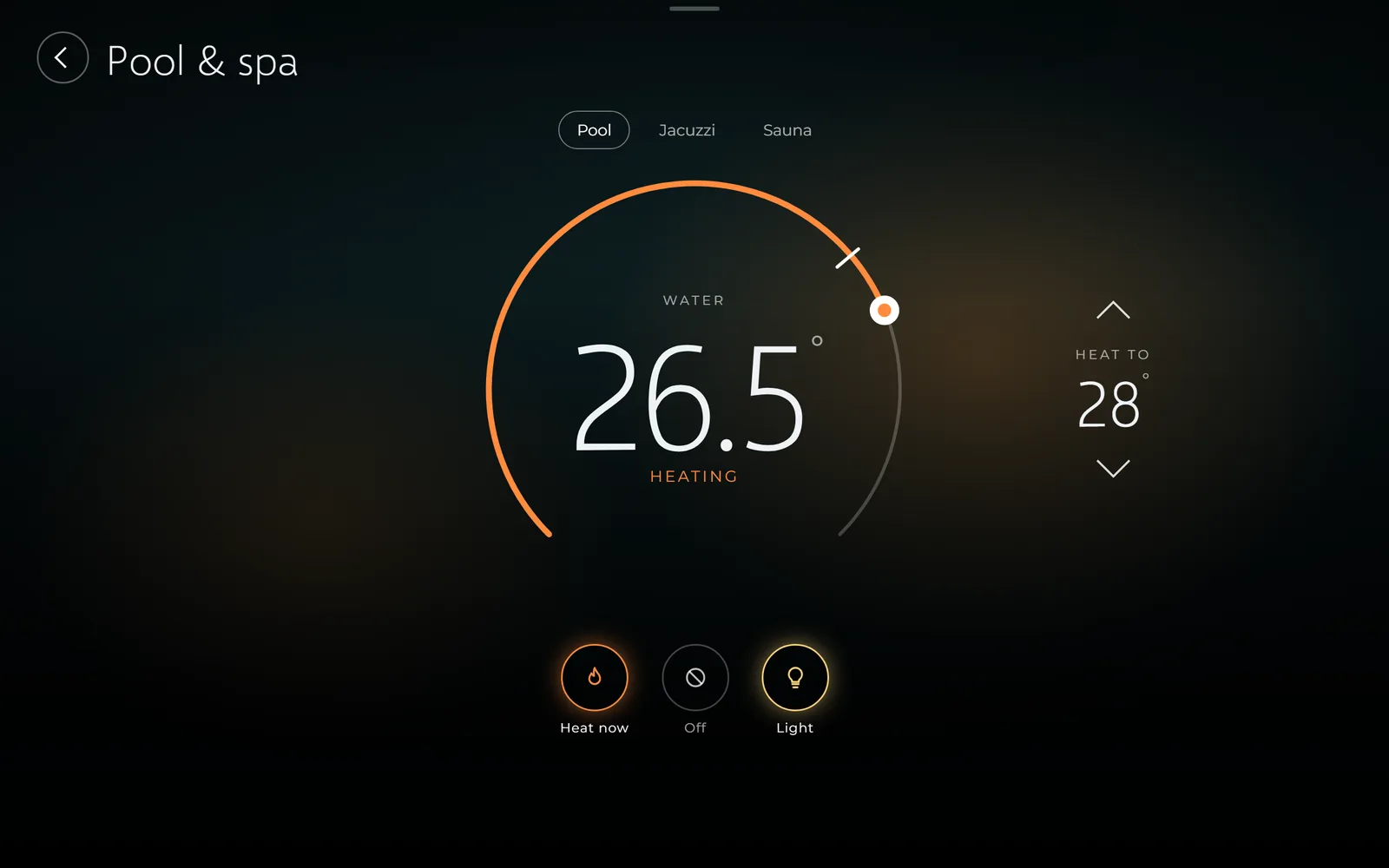
Set a temperature, or simply the time you want it ready by. Built-in limits keep the water and the equipment safe: no heating without the pump running, and sessions that end by themselves.
09 Also in the house
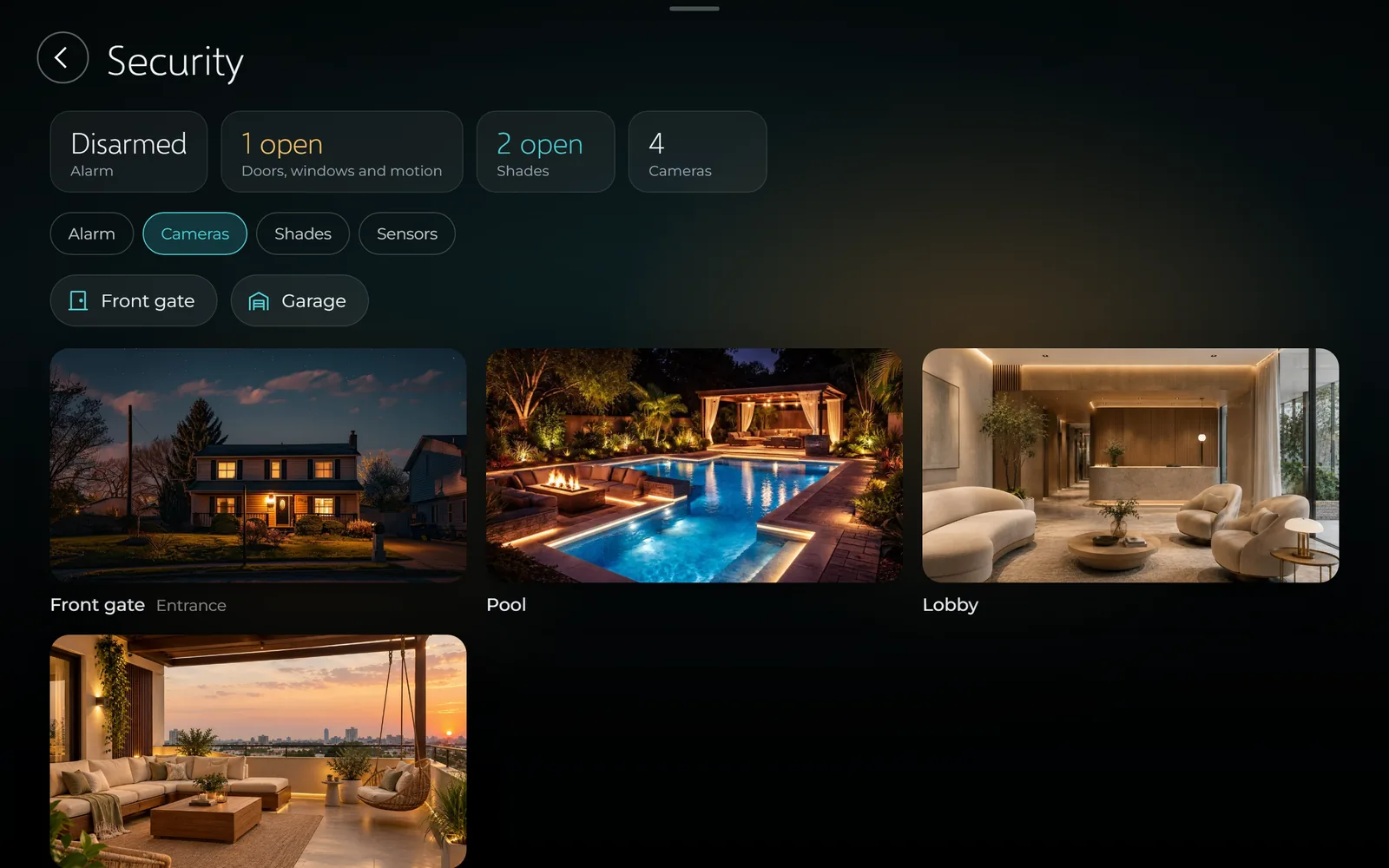
Hikvision, Dahua or any RTSP camera, live on the panel and on your phone. Camera passwords never reach the screen.
Away, Home and Night, with entry and exit delays and a duress code. When it sounds, the cameras take pictures and the lights come on.
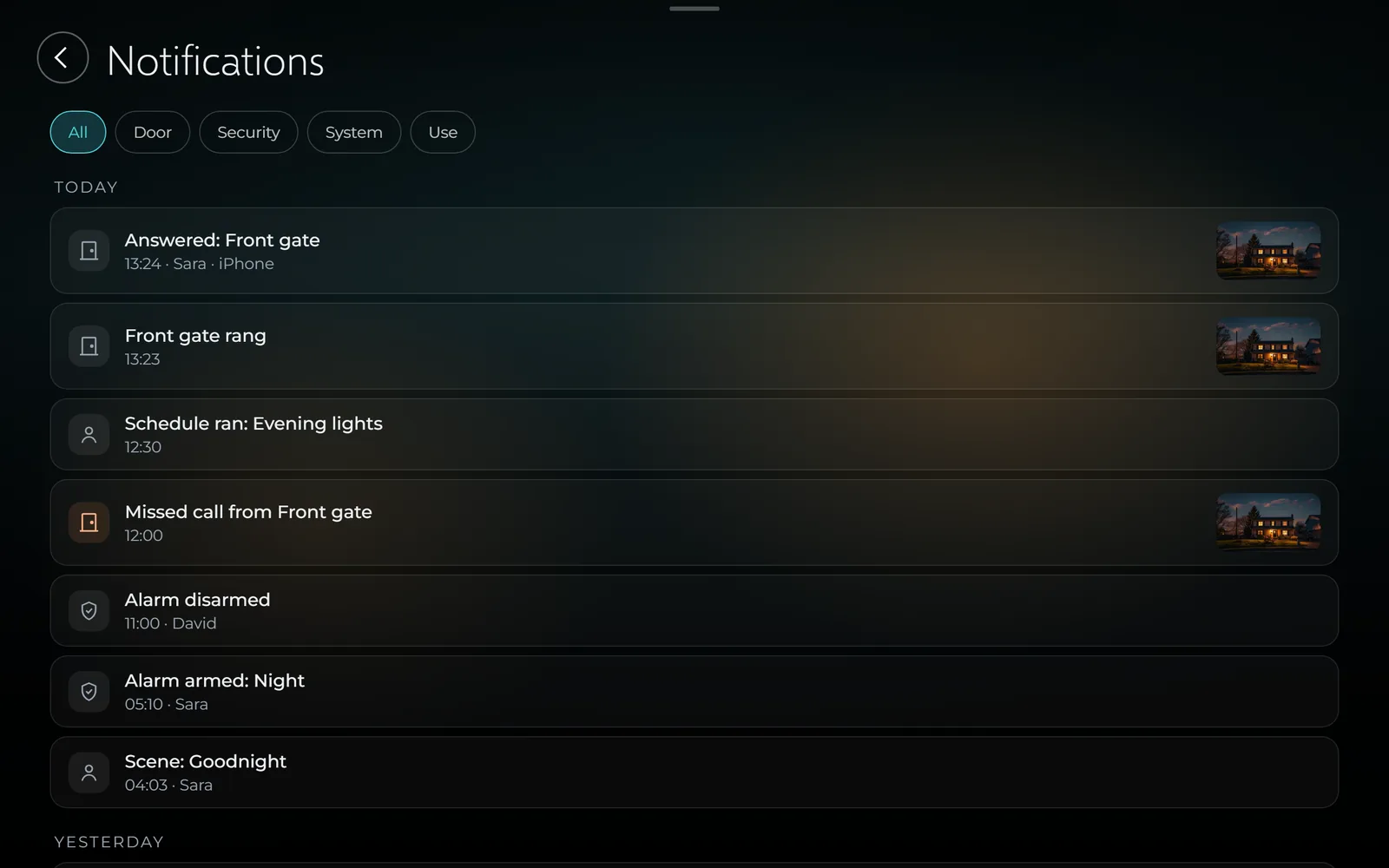
Thirty days of what happened in the house — the door, the alarm, scenes and schedules — with the door’s pictures.
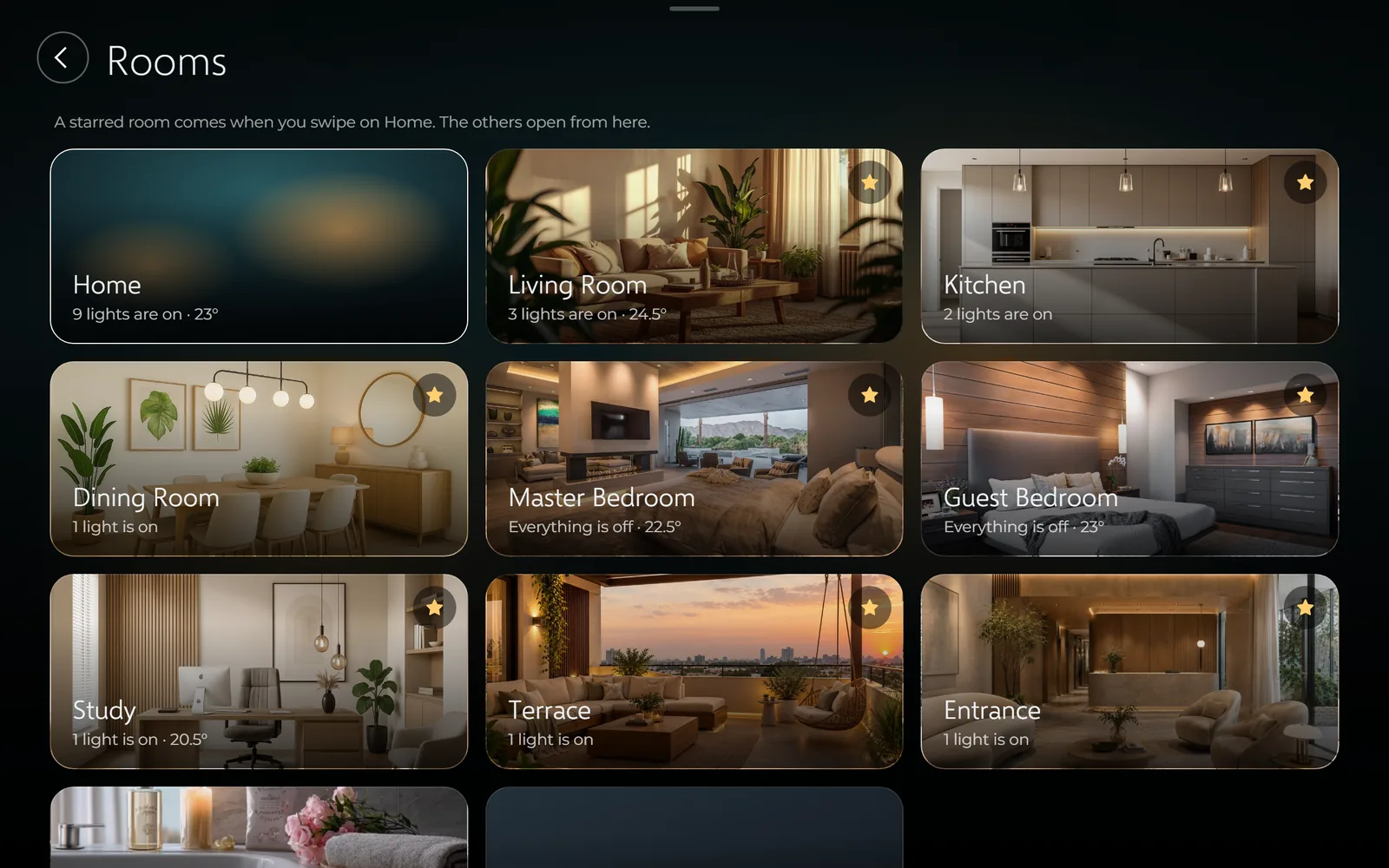
Give every room its own picture, and star the ones you want when you swipe on Home.
If you design, install or live with SmartAPEX, we would like to show it to you first.
Screens show the Home Center’s own interface with a sample house. Features and availability may change before launch. Hikvision, Dahua, Akuvox, DNAKE, Siri, iPhone, App Store, Android, Google Play and Z-Wave are trademarks of their respective owners.
We use only the cookies this site needs to work. With your agreement we also load Google reCAPTCHA, which protects our forms from spam and sets its own cookies. Read the cookie policy.