

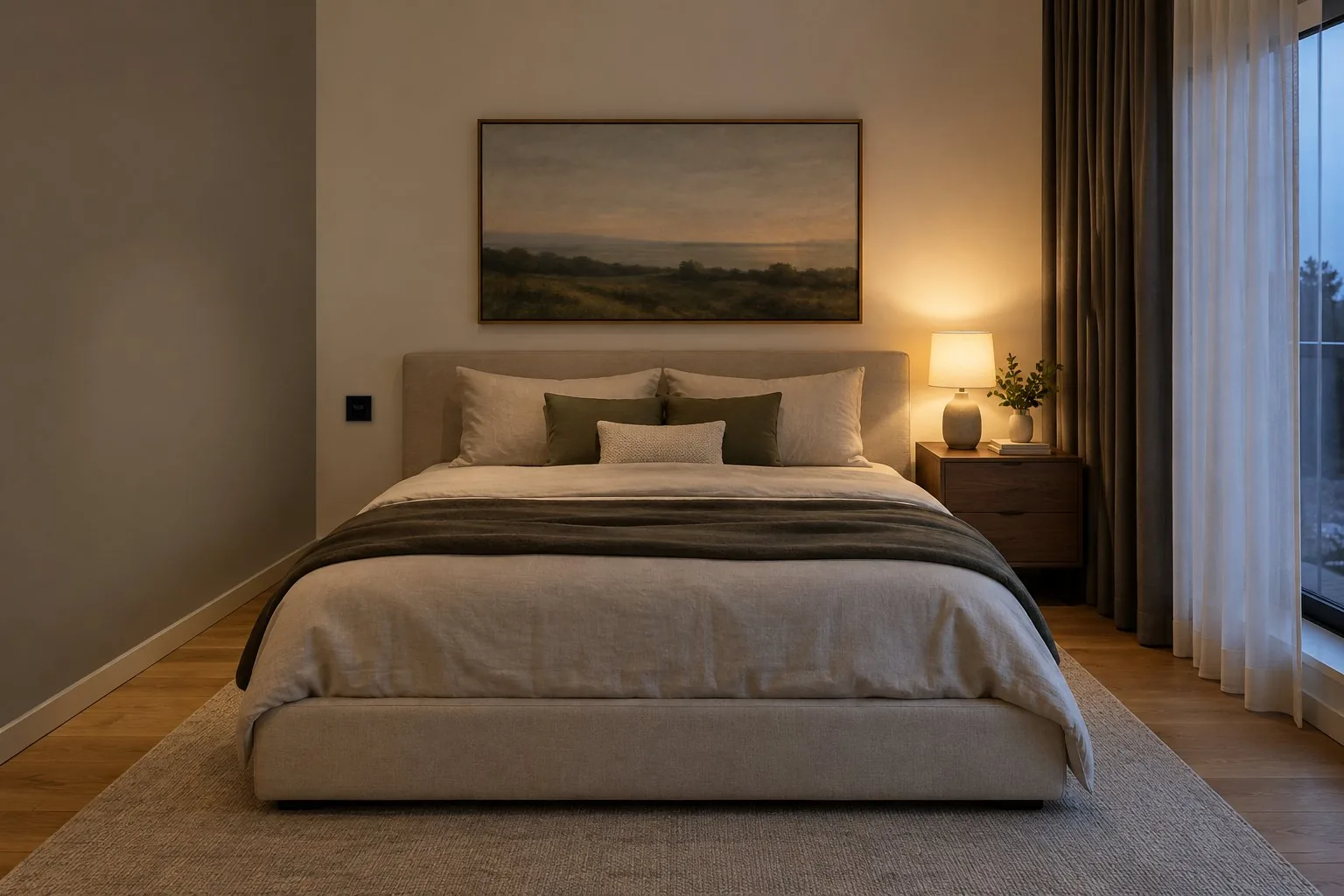
SmartApex Touch Room Controller
The whole room. One panel.
A 2.8-inch touch controller for each room: lights, climate, curtains, scenes and music-reactive light, on a sharp IPS display behind a square of black glass.
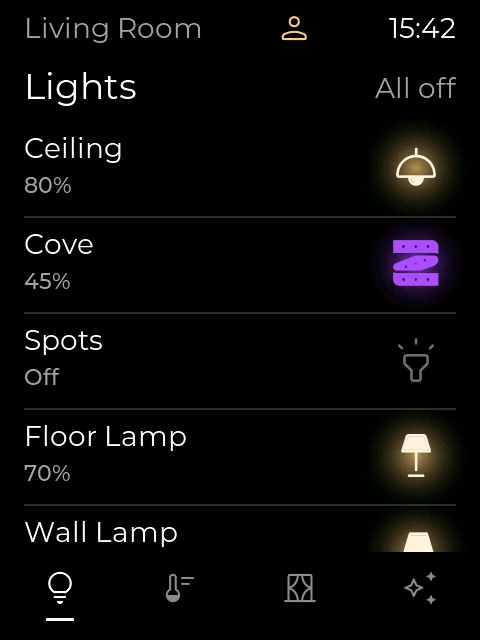
The controller’s own interface, shown with a sample room.
01 Display
Quiet until you walk in.
A Bluetooth presence sensor wakes the screen as you enter. When nobody uses it, it rests on a calm clock with the temperature and humidity. The 2.8-inch IPS display, 480 × 640 pixels, is sharp at over 280 ppi.
- Presence wakeA Bluetooth sensor lights the screen.
- Ambient clockTime, temperature and humidity.
- Your settingsBrightness, screen saver and key sound.
For exampleAt night the room is dark and the panel shows only the clock. Walk in and the screen wakes on the climate page, with the presence mark lit, before you touch it.
02 Lights
Light, exactly as you like it.
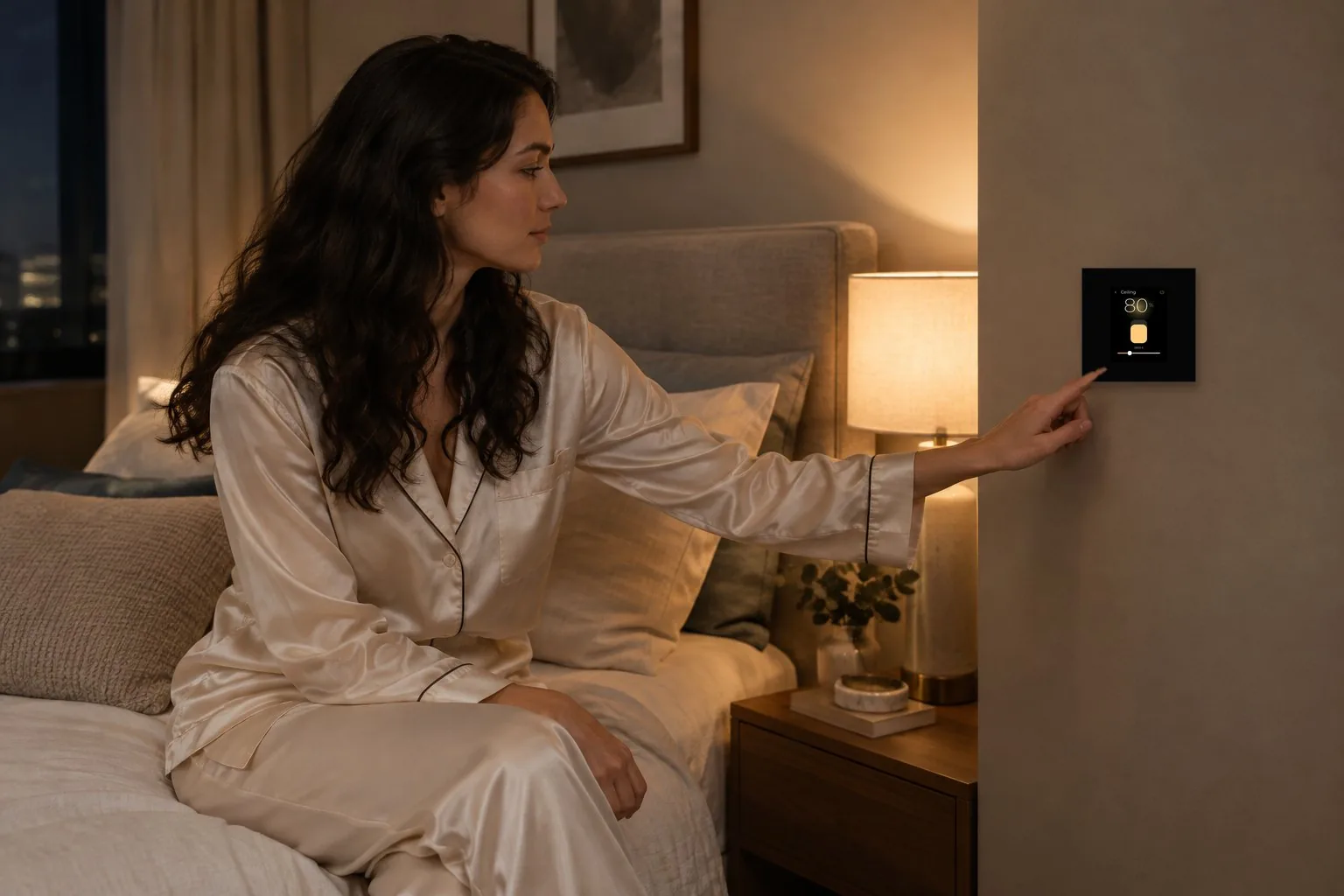
Every light of the room on one page: on, off and dimmed. Tunable lights also go from warm to cool white, and colour lights get a colour wheel, a brightness slider and quick swatches.
- On and offEach light, one tap.
- DimmingSlide to any level.
- Warm to cool whiteSet the tone of the light.
- ColourA wheel, brightness and favourite swatches.
For exampleReading in the evening: the ceiling at 80% and 3800 K, the cove at 45%, the spots off. Three touches, without leaving the chair.
03 Climate
Climate at a touch.
Temperature, mode and fan speed from the room. Modes are Cool, Heat, Auto, Dry and Fan; fan speed is Auto, Low, Medium or High.
- Set pointSlide up or down.
- Five modesCool, Heat, Auto, Dry, Fan.
- Four fan speedsAuto, Low, Medium, High.
For exampleGuests arrive and the room feels warm: drag the set point down and set the fan to High. The humidity is shown beside the temperature.
04 VRF and split
VRF and split air conditioners, on the same page.
VRF indoor units over RS-485 through the SmartAPEX VRF gateway, and split air conditioners through a large built-in IR library.
For exampleA villa with VRF in the main house and split units in the guest house: every room has the same controller, and nobody needs to know which kind of air conditioner is behind it.
VRF works with
05 Curtains
Curtains and shades.
Motorised curtains and shades, including RS-485 curtain motors. Open, stop or close, or drag a shade to the height you want.
- Open, stop, closeOne tap each.
- Drag to heightThe shade follows your finger.
- RS-485 motorsAs well as relay-driven motors.
For exampleAfternoon sun on the TV: drag the blackout shade down to 35% and leave the curtain open.
06 Scenes
One touch, and the whole room changes.
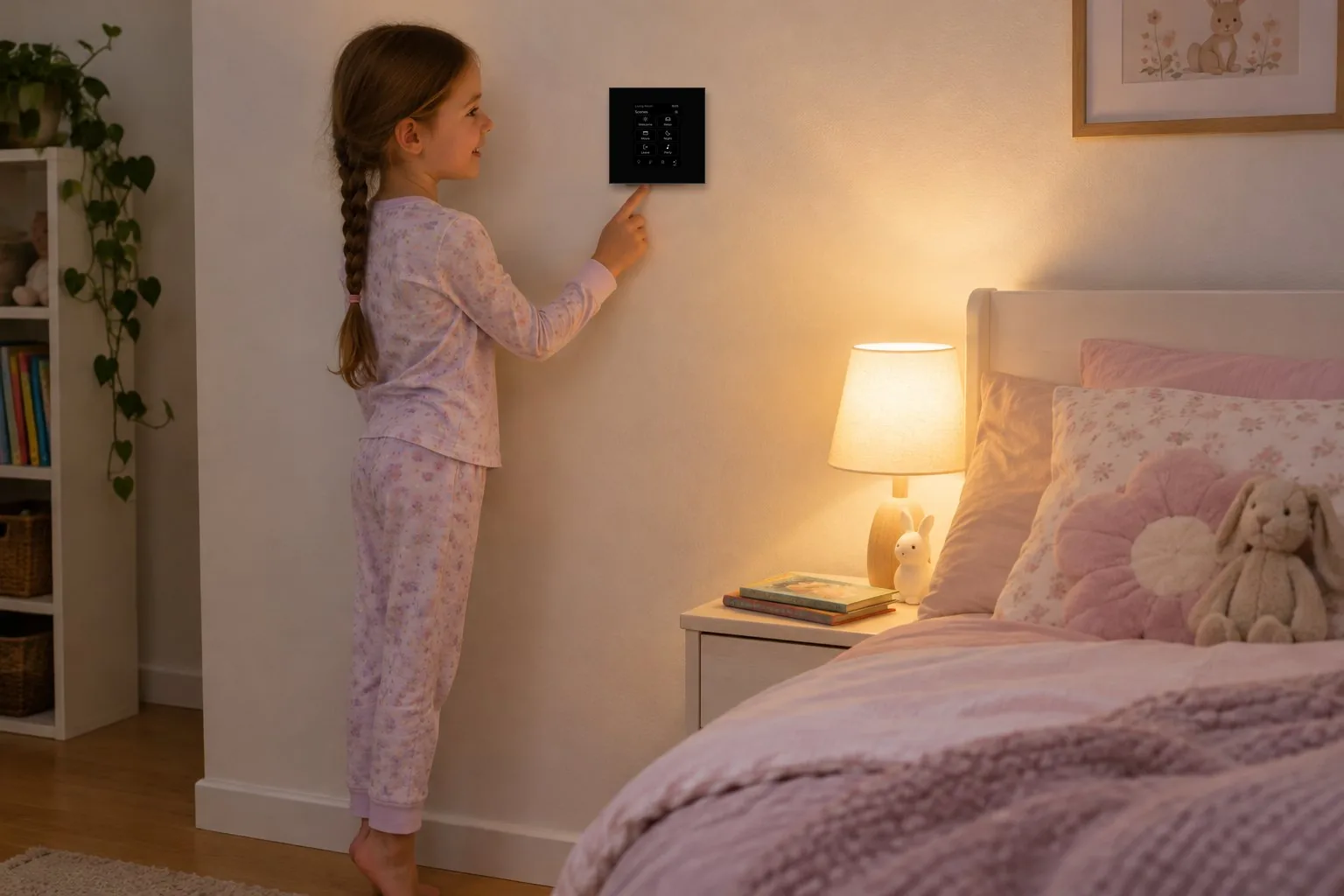
Welcome, Relax, Movie, Night, Leave and Party: each scene sets the lights, curtains and climate of the room at once.
- Six scenesWelcome, Relax, Movie, Night, Leave, Party.
- The whole roomLights, curtains and climate together.
- Easy for everyoneBig, clear buttons, for the youngest too.
For exampleBedtime: tap Night. The ceiling goes off, the wall lamp dims, the curtain closes and the air conditioning moves to its night setting.
07 Party mode
It hears the music.
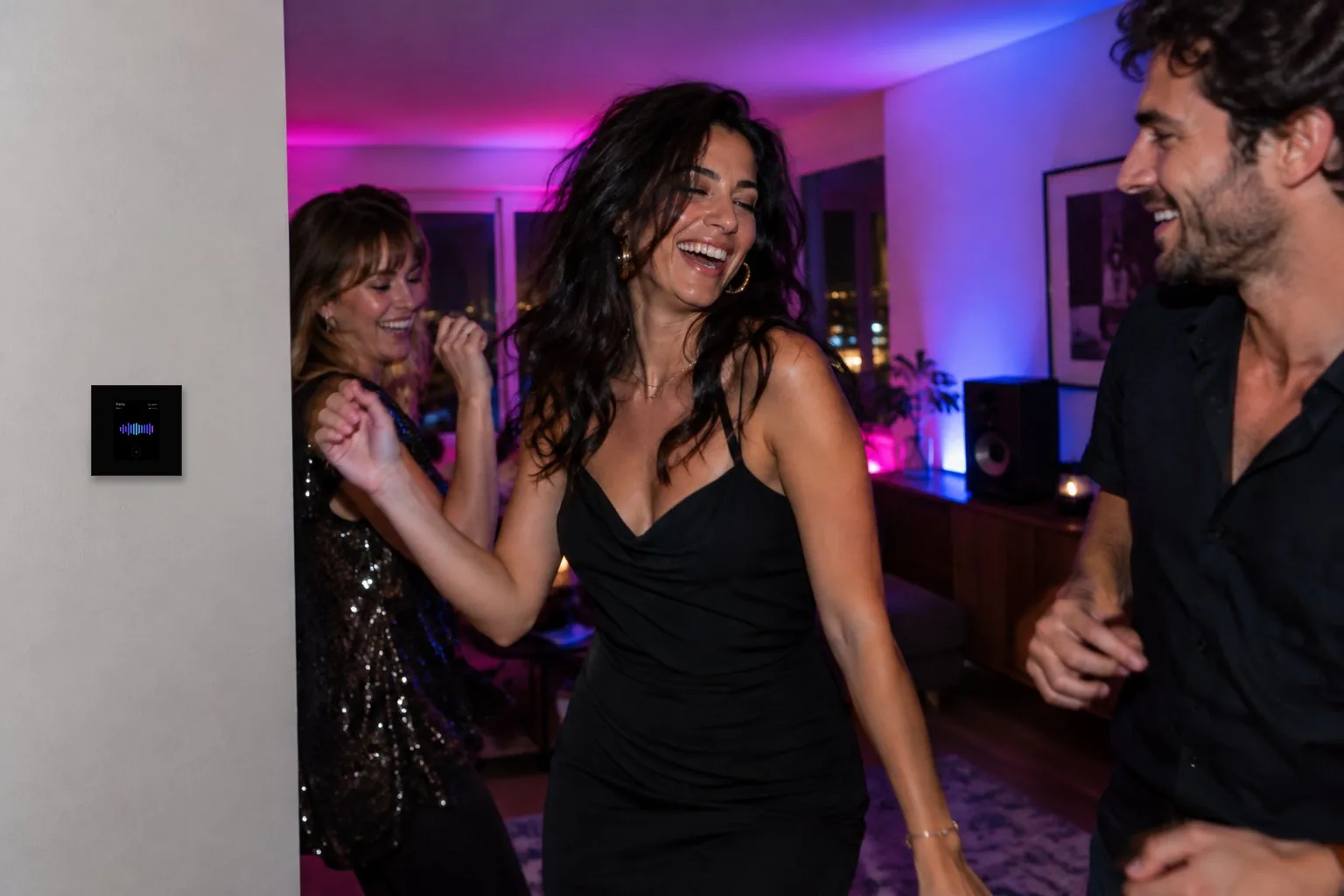
A built-in microphone hears the music in the room and the screen moves with the beat, in five effects: Bars, Liquid, String, Pulse and Sparks. The sound is analysed on the panel and never leaves it.
- Five effectsBars, Liquid, String, Pulse, Sparks.
- On the beatIt finds the tempo by itself.
- PrivateSound never leaves the panel.
For exampleFriday night with friends: tap Party on the scenes page and the panel follows the music playing in the room, beat by beat.
08 Sensors
It knows the room.
Presence over Bluetooth, and temperature, humidity and light sensors on board. There is an input for an external temperature sensor too.
- PresenceOver Bluetooth.
- Temperature, humidity, lightMeasured on board.
- External inputFor an outside temperature sensor.
For exampleOpen the sensor page: the room has been occupied for a minute, at 24.3°, 46% humidity and 180 lux.
09 Door view
See who is at the door.
When the door station rings, the room controller shows who is there, and the door opens from the room with one touch. It shows the picture; it has no speaker for talking.
For exampleIn the study upstairs, the panel shows the courier at the gate. Tap Open, and keep working.
10 Home Center, Control4 and Fibaro
Pick the room. Done.
Choose the room in our own APEX Home Center, in Control4 or in Fibaro, and every device of that room appears on the panel. No setup on the panel itself.
For exampleAn integrator adds a controller to the master bedroom of a Control4 project, picks Master Bedroom, and the panel shows its lights, curtains and thermostat straight away.
- APEX Home CenterOur own home center: the room joins the house.
- Control4Pick the room in the project.
- FibaroThe same way.
- SmartAPEXWorks with SmartAPEX modules too.
11 Installer
Built on the SmartAPEX CAN bus.
The room controller runs on the SmartAPEX CAN bus and works with SmartAPEX modules, the APEX Home Center, Control4 and Fibaro. Its back power part carries four relays for a curtain, lights or a fan coil.
For exampleIn a hotel room, the four relays drive the fan coil and the curtain motor directly, while the room’s other lights come over the CAN bus.
At a glance
- Front
- 86 × 86 mm square of black glass
- Display
- 2.8-inch IPS touch screen, 480 × 640, over 280 ppi
- Sensors
- Presence (Bluetooth), temperature, humidity, light, microphone
- External input
- Outside temperature sensor
- Connections
- SmartAPEX CAN bus, RS-485, IR, Bluetooth, Wi-Fi
- Relays
- Four, on the back power part
- Works with
- SmartAPEX modules, APEX Home Center, Control4, Fibaro
SmartApex Touch Room Controller
Launching soon.
Planning a project, or want to see the Room Controller at work? Talk to us or to your SmartAPEX dealer.
Screens show the controller’s own interface with a sample room. Specifications may change without notice.